Pick-and-pull workflows use Select, Inventory and Access commands plus indicator tags to confirm that the item taken matches the item requested, at the point of the action.
01 / FIELD NOTE
Keep the decision tied to the operating context.
A picking error is expensive in a way that is easy to underestimate: the wrong item leaves, the right item does not, and the correction happens after the shipment has already been dispatched. Reading a barcode at a picking station confirms that something was scanned, but not that the thing in the operator's hand is the thing the order asked for. RFID changes that by letting the system verify the identity of what is present rather than the identity of what was presented to a scanner.
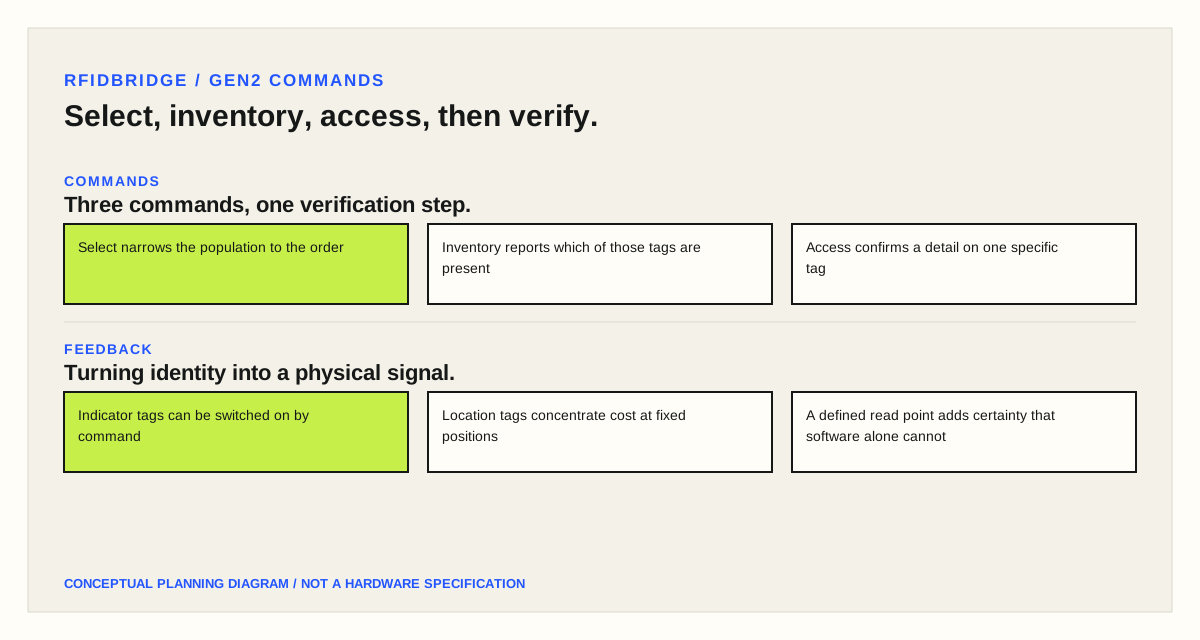
The mechanism is the Gen2 command set working together. Select narrows the tag population the reader will act on, so the reader can address a specific subset rather than everything in range. Inventory identifies which tags in that population are actually present and reports them. Access opens communication with one specific tag so its memory can be read or written. A pick-verification step uses all three: select the population the order concerns, inventory to see which of those tags are physically here, and access to read a detail from one of them.
The result is a check that runs at the moment of the action rather than after it. If the operator picks from the wrong bin, the expected tag is absent from the read and the system can say so before the item is placed in the carton. That is a different kind of control from a scan at a later checkpoint, because the correction is still cheap.
The second half of the mechanism is feedback. A tag with a controllable indicator — an LED that can be switched on by a command — turns the same identity data into a physical signal. The system lights the tag on the shelf that holds the wanted item, and confirms with a second read that the tag now in the operator's hand is the one that was lit. This removes the step where an operator reads a location code from a screen and matches it to a shelf label, which is where a large share of picking mistakes originate.
The workflow consequences are worth thinking through before choosing hardware. Indicator tags cost more than plain labels and carry a battery or a harvesting circuit, so they suit reusable containers, totes and shelf positions rather than disposable cartons. The read has to be reliable at the moment of the pick, which means the zone around the picking face needs the same design attention as any other read point — a handheld reader at close range is easier to make reliable than a fixed antenna covering a whole aisle.
Where the items themselves cannot carry an indicator, the same pattern works with a location tag. The shelf or bin carries the indicator, the item carries a plain label, and the system lights the location and then verifies that the item now in hand matches the order. This is often the more practical design, because it concentrates the expensive tags at fixed positions that can be maintained.
Verification also depends on what the reader can distinguish. A read that reports ten tags in range cannot say which one the operator touched. Accessing a single tag after inventory narrows this, and where the workflow needs certainty about the specific unit, physical or procedural constraints — a defined read point the item must pass through, or a short-range handheld read — do more than software alone. The design question is how much certainty the process needs, and at which step it is worth buying.
02 / COMMANDS
Three commands, one verification step.
- Select narrows the population to the order
- Inventory reports which of those tags are present
- Access confirms a detail on one specific tag
03 / FEEDBACK
Turning identity into a physical signal.
- Indicator tags can be switched on by command
- Location tags concentrate cost at fixed positions
- A defined read point adds certainty that software alone cannot
Bring the item, material, movement, target read and system context to a sample or project review.
Request a sample test